
INPATIENT MANAGEMENT (IPD)

The Command Center for Bed Capacity and Clinical Outcomes
Inpatient care is where the stakes are highest — 24/7 monitoring, complex medication regimens, coordination between surgeons, nurses, pharmacists, and dieticians, and high-value billing where a single missed charge can cost thousands. eHospitalSuite’s IPD Module is the operational backbone that orchestrates every aspect of a patient’s hospital stay — from the moment they are admitted to the moment they walk out the door.
ADT: Admission, Discharge, Transfer
Admission Management
Seamless OPD-to-IP conversion at the click of a button — the patient’s demographics, insurance details, and clinical history carry forward automatically. The system records whether the admission is Planned or Emergency, captures Medico-Legal Case (MLC) details for accident or crime-related cases, and assigns a bed based on real-time availability and the patient’s room category preference.
Bed Management — Bed Census
A real-time visual map of every bed in your hospital — ward-wise and floor-wise — with color-coded status indicators:
Color | Status | Meaning |
Green | Vacant | Bed is clean and ready for the next patient |
Red | Occupied | Patient currently assigned |
Yellow | Dirty — Under Cleaning | Patient discharged; housekeeping in progress |
Blue | Reserved | Bed held for incoming admission or transfer |
Grey | Maintenance | Bed or room under repair — not available |
This is not a static spreadsheet — it updates in real time as admissions, discharges, transfers, and housekeeping activities occur across the hospital.
Transfer Protocols
Intra-Hospital Transfers: Move a patient from a General Ward to ICU, or from a shared room to a private room — with automatic billing rate adjustments. The new nursing station receives the patient’s complete care plan instantly.
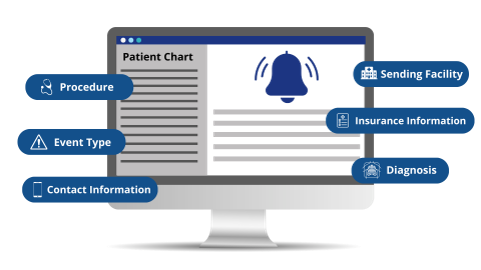
Inter-Hospital Transfers: For referrals out to another facility, the system generates an automated clinical summary — including current medications, recent test results, and treatment notes — ensuring continuity of care even when the patient leaves your hospital.
Discharge Process
A structured, multi-department workflow that eliminates the delays patients hate most:
- Doctor Initiates: The treating physician enters the discharge summary and marks the patient fit for discharge.
- Pharmacy Clears Returns: Unused medicines are returned by the nursing station. The Pharmacy module processes the return and auto-credits the patient’s bill.
- Accounts Clears Billing: The billing team finalizes the bill, applies any authorized discounts, and processes the insurance component.
- Housekeeping Notified: The moment the patient vacates, Housekeeping receives an automatic notification to clean and prepare the bed.
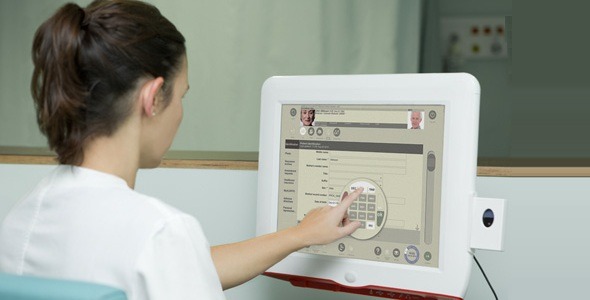
Nursing Stations — Ward & Care Management
Doctor's Progress Notes
Standardized SOAP format (Subjective, Objective, Assessment, Plan) for daily ward rounds. When the attending physician visits at 7 AM, the night team's notes are already documented and visible — ensuring seamless continuity between shifts.
Dietary Management
Ordering specific diets — Diabetic, Liquid, High Protein, Renal — with direct integration to the kitchen or catering department. Diet orders update automatically when the doctor changes them, and the kitchen receives the revised list in real time.
Consumable Tracking
Every bedside item — syringes, bandages, gloves, IV sets, catheter kits — is charged to the patient's bill the moment it is used. Real-time consumable tracking eliminates the revenue leakage that plagues hospitals where nurses document usage on paper (or don't document it at all).


The "Discharge to Payment" Procedure
The final bill is the most sensitive moment in a patient’s hospital experience. eHospitalSuite ensures transparency and accuracy at every step:
- Doctor initiates discharge and completes the discharge summary.
- Pharmacy checks return medicines, credits unused items to the bill.
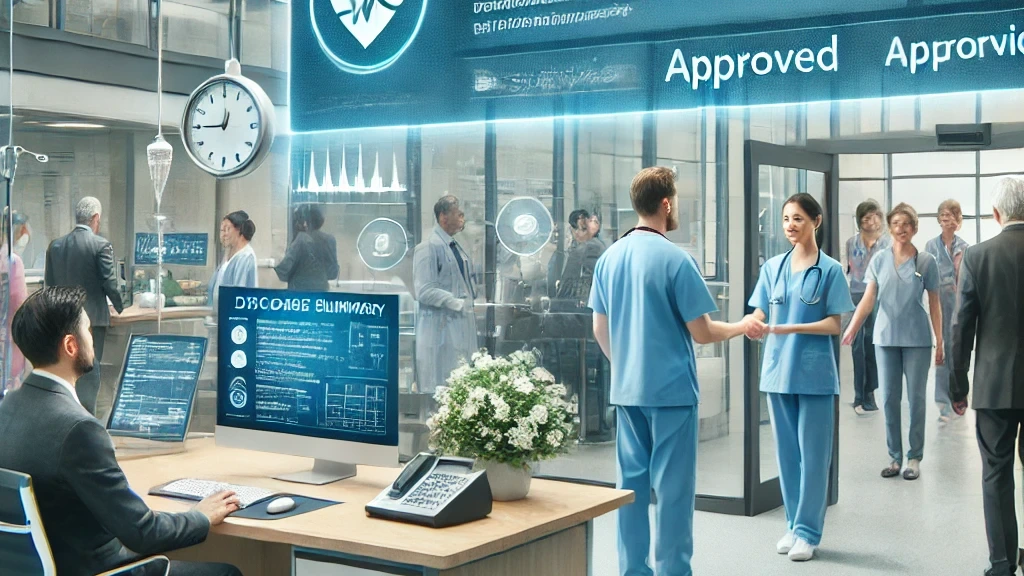
- For insurance patients: TPA final approval is processed. Status tracking shows exactly where the claim stands — Awaiting TPA Response or TPA Approved.
- The final bill automatically calculates Patient Share (cash/card/UPI) vs. Payer Share (insurance/government scheme).
- Payment is collected. Receipt is generated.
- Gate Pass is printed only after zero balance is confirmed — preventing revenue loss from premature discharges.
Discharge Tracker — Know Exactly Where the File Is Stuck
The Discharge Tracker solves the most common patient complaint in Indian hospitals: “The doctor said I can go home two hours ago. Why am I still here?”
The tracker shows, in real time, the exact stage of the discharge process — and exactly where the bottleneck is:
- “Pending with Doctor” — discharge summary not yet completed
- “Pending with Pharmacy” — return medicines not yet processed
- “Pending with Insurance” — TPA approval awaited
- “Pending with Billing” — final settlement in progress
- “Ready for Gate Pass” — payment cleared, patient can leave
Hospital administrators can monitor average discharge TAT (turnaround time) and identify systemic bottlenecks — is it always Pharmacy that’s slow? Is TPA approval taking 3 hours on average? Data drives improvement.

Take Control of Every Bed, Every Bill, Every Discharge
See how eHospitalSuite’s IPD Module transforms inpatient operations — from admission to gate pass.